Screens
One map, one panel, and sheets over it. No tabs.
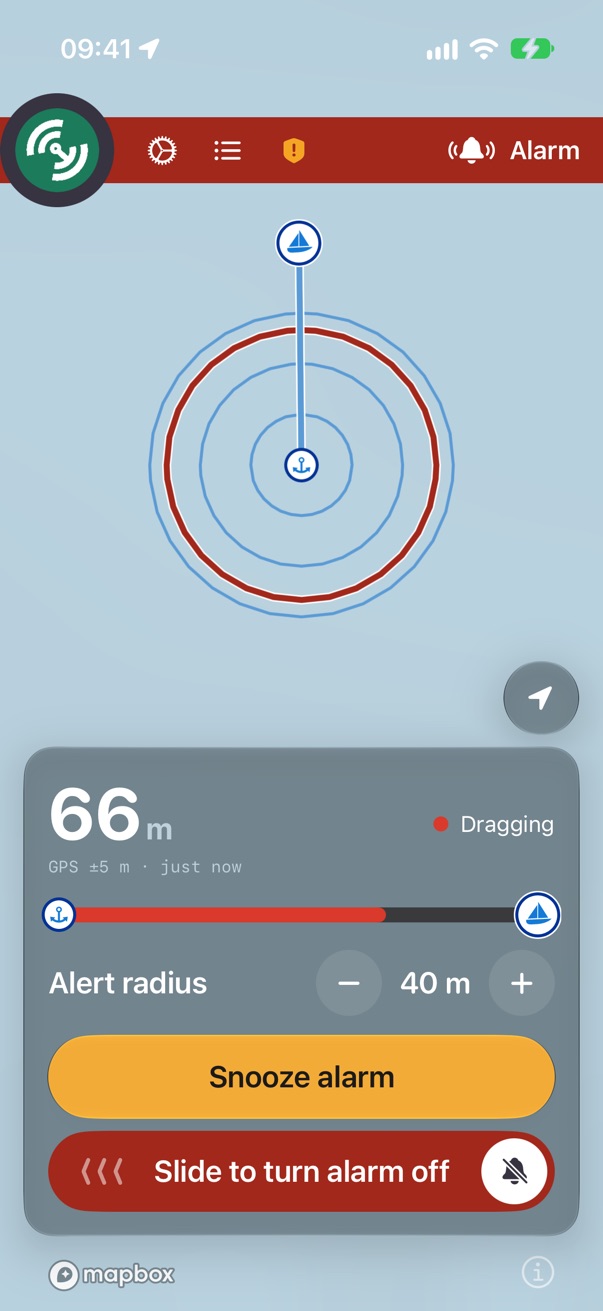
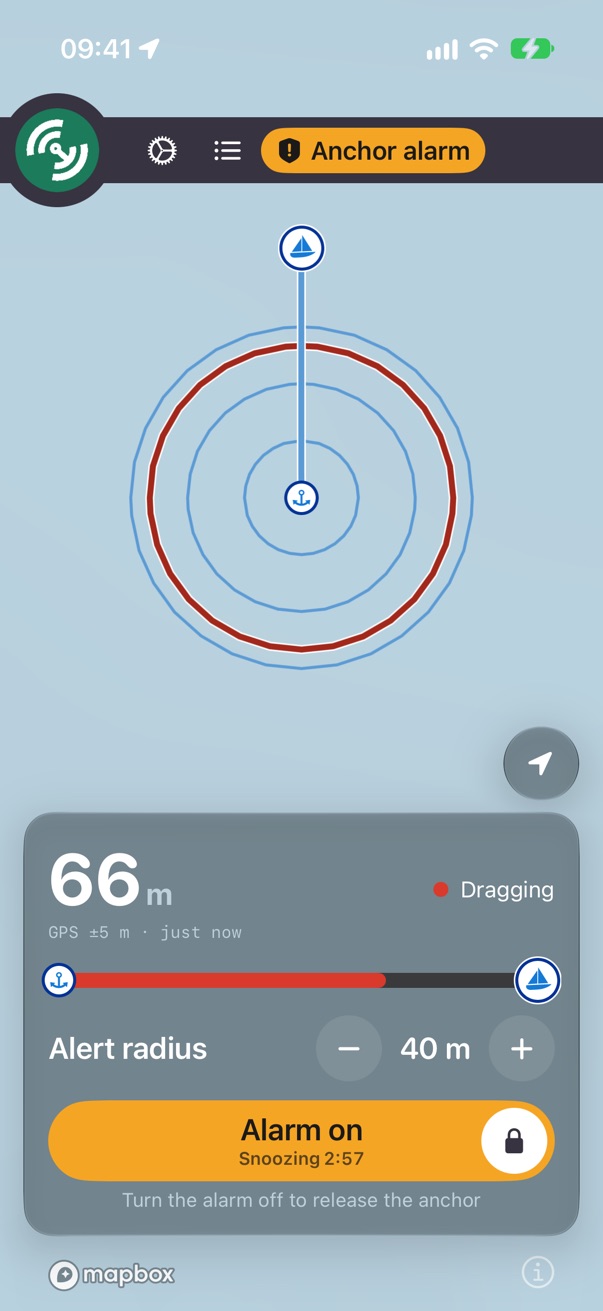
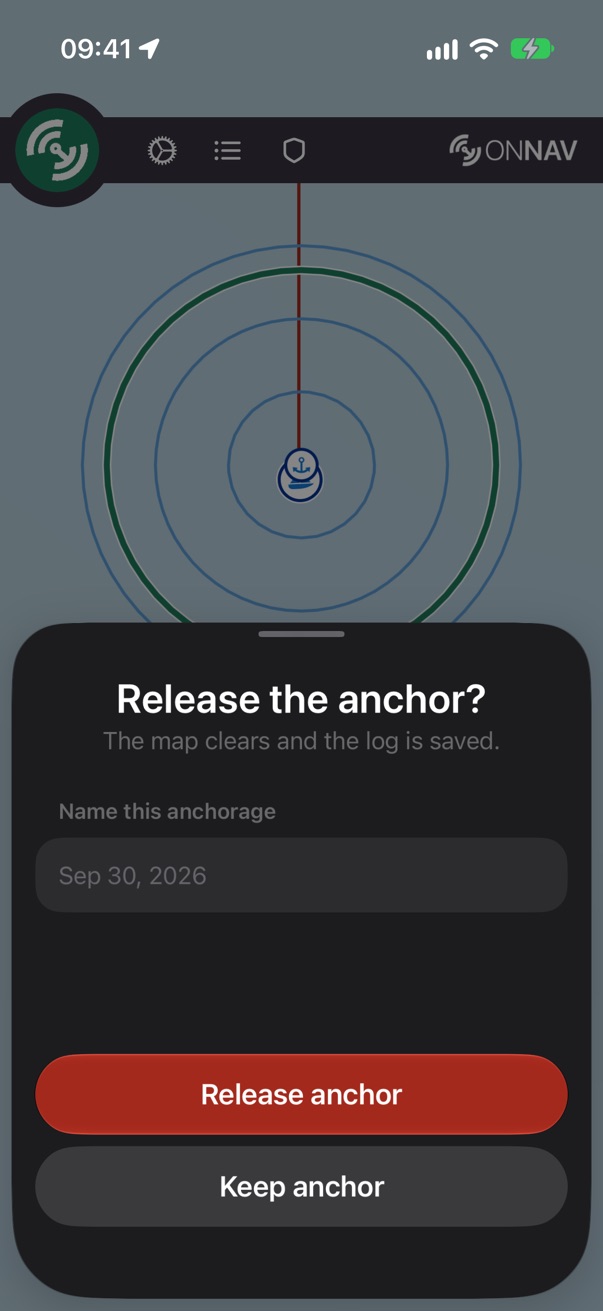
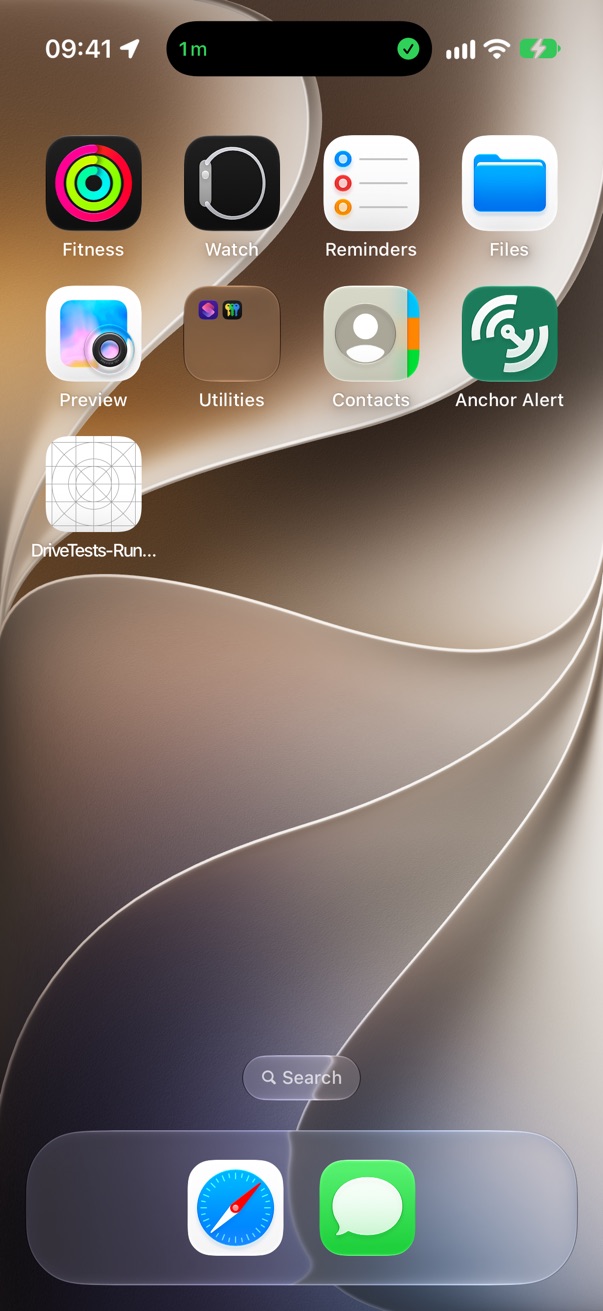
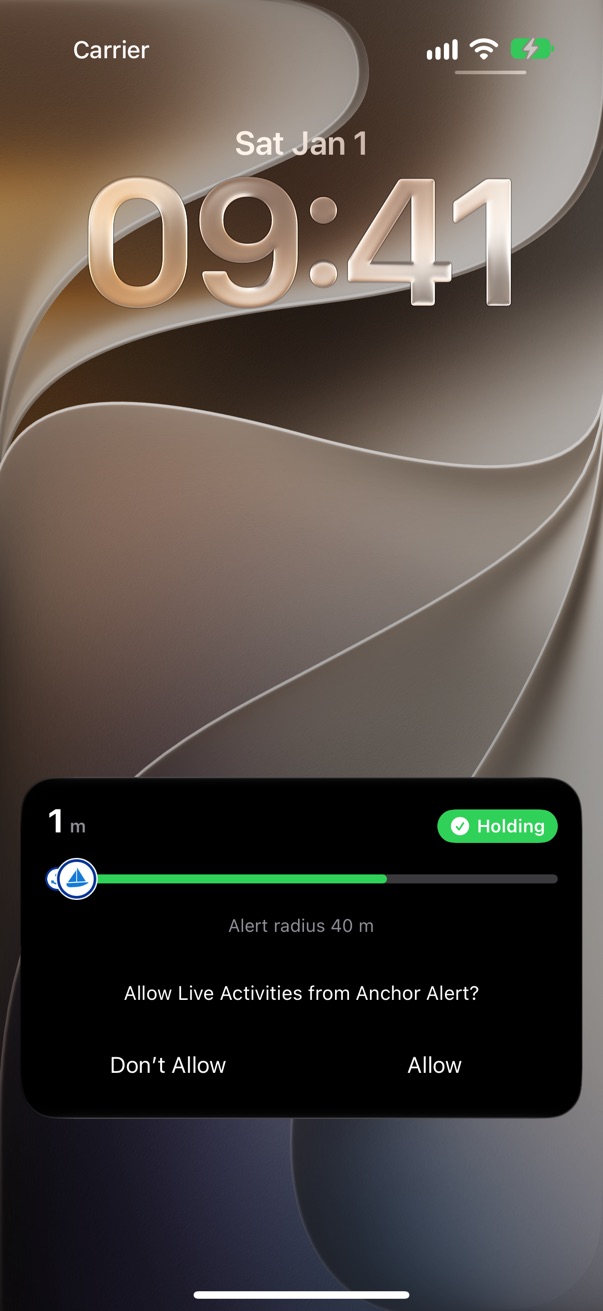
Screenshots of the beta on an iPhone 17, taken by a script from the app itself, anchored in English Bay, Vancouver, with the drag 67 m north of the mark. Tap any picture to see it big; the arrow keys page through the section.
First run
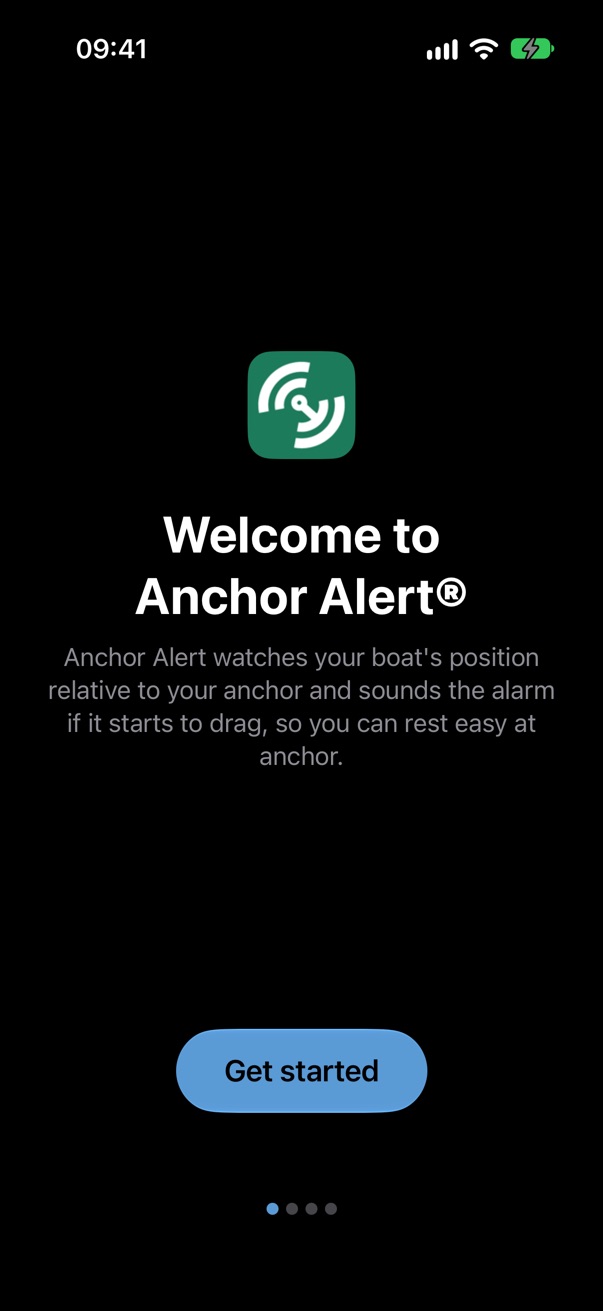
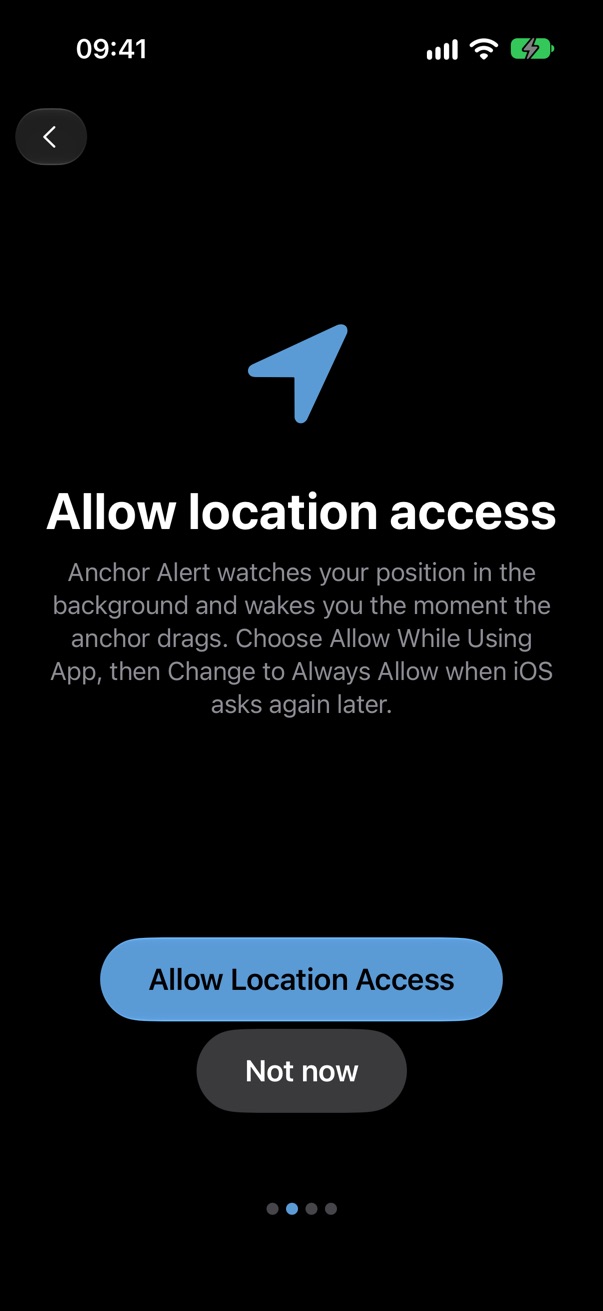
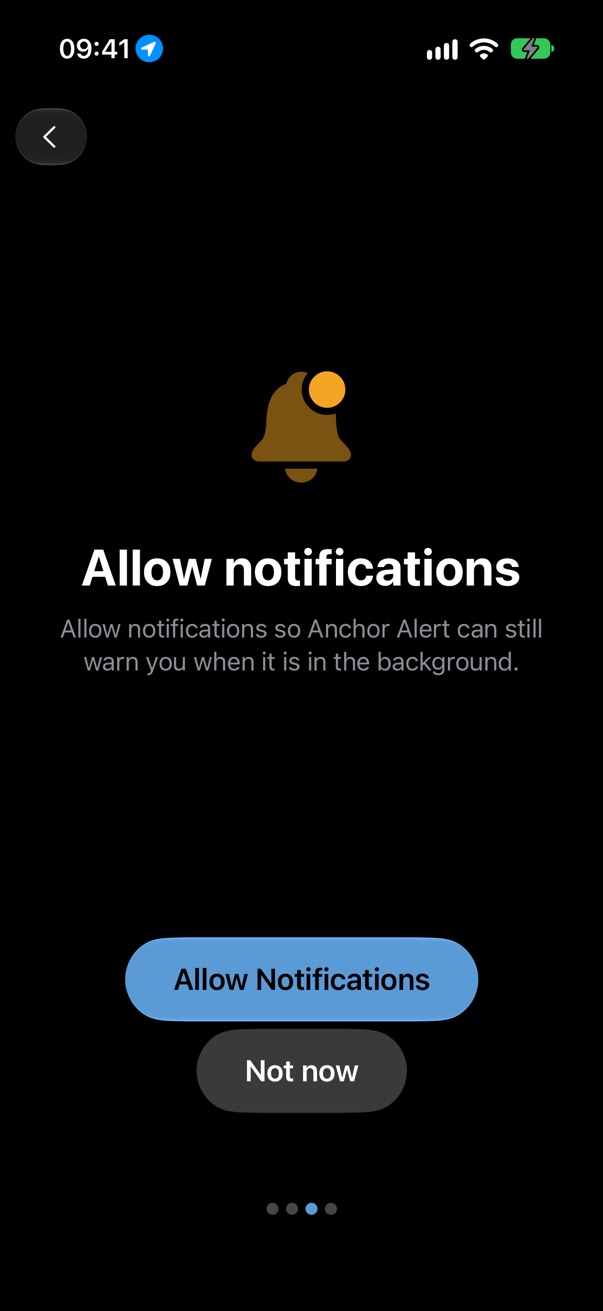
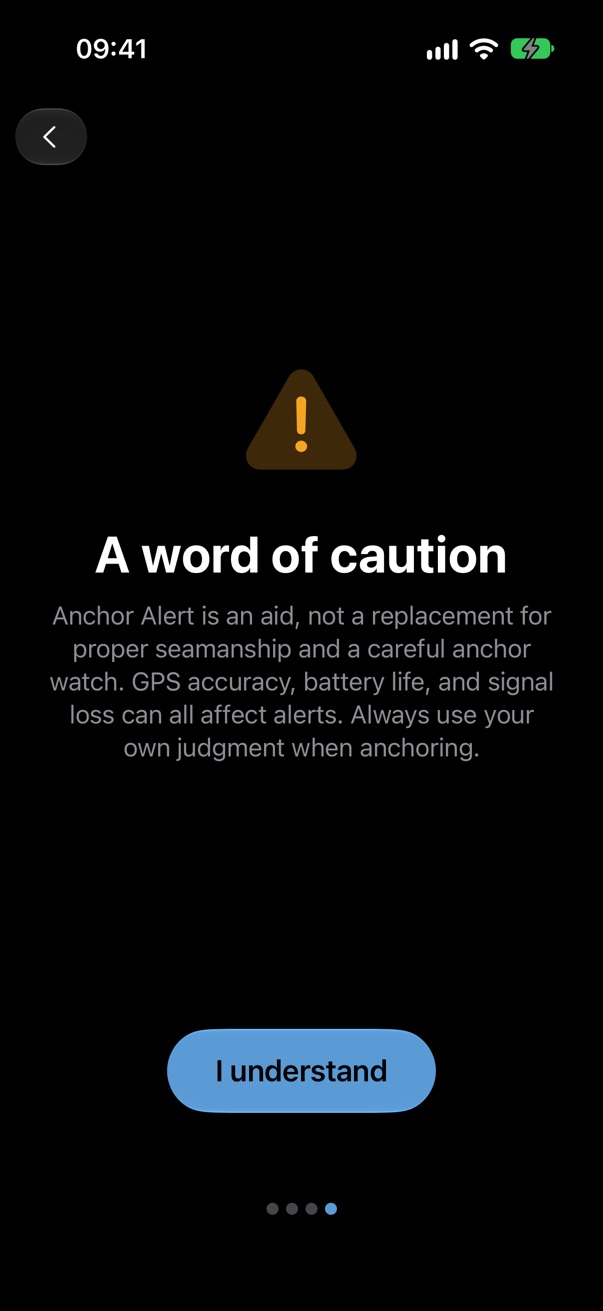
Four pages before the map: what the app does, location, notifications (and Critical Alerts, which iOS asks for separately), and a word of caution. Each asks for one thing and says why.
The map
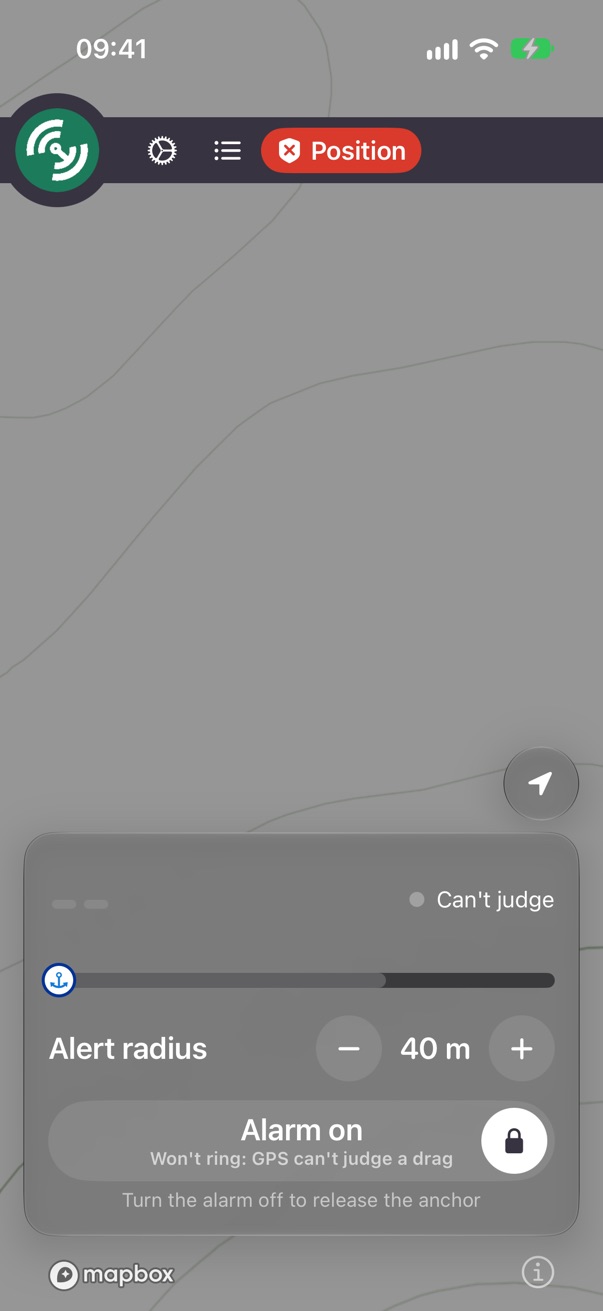
The one screen. The chart, the anchor, the alert radius and the boat; the bar across the top; the panel at the bottom with the distance, the verdict, the radius and the one button that matters now.
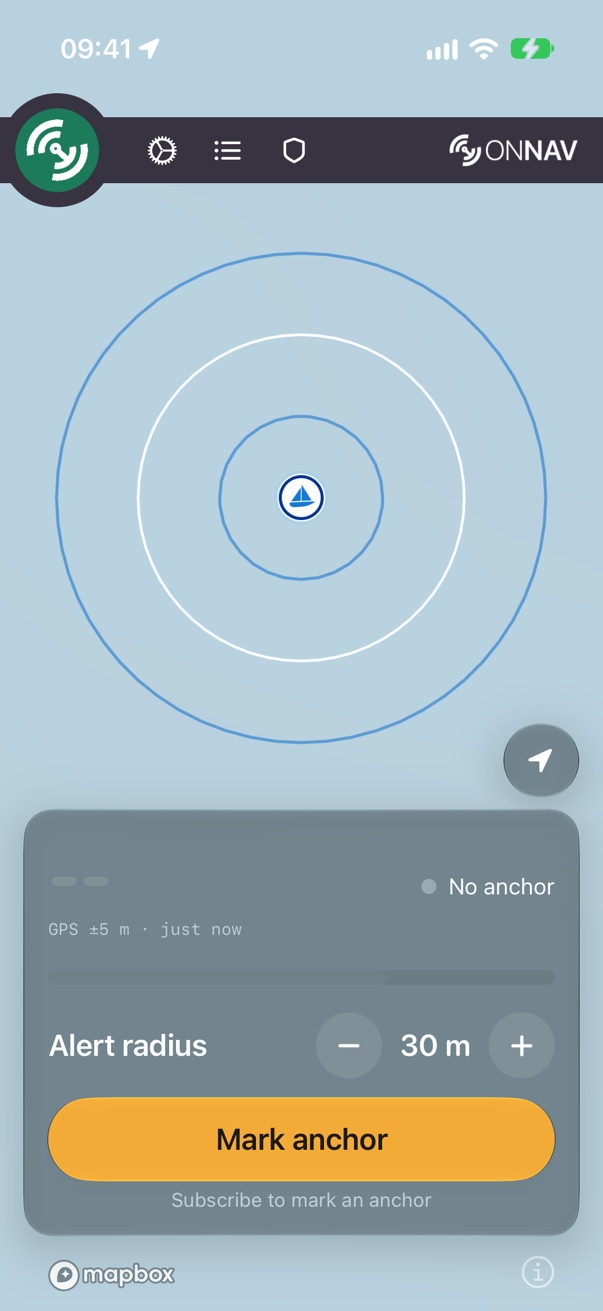
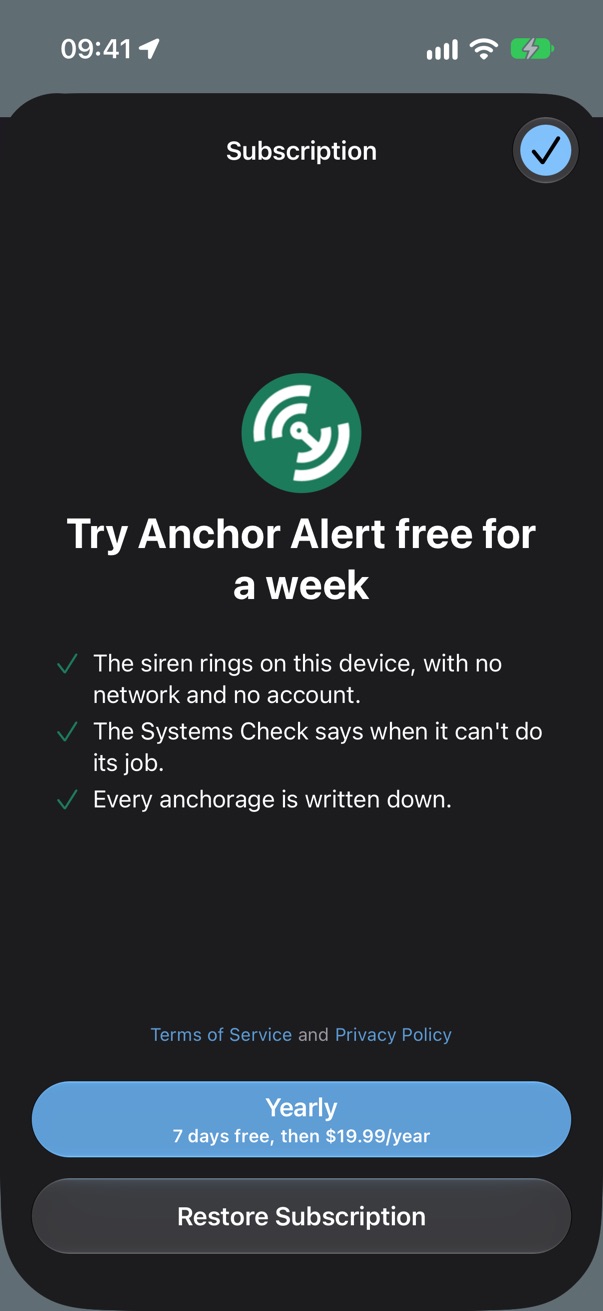
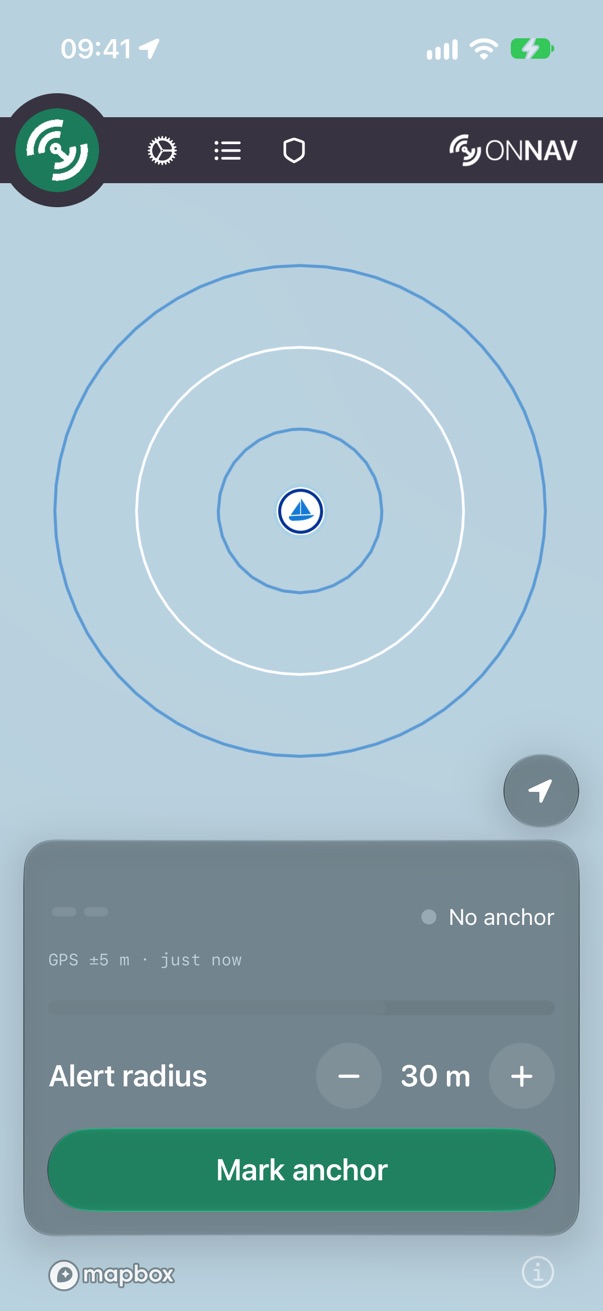
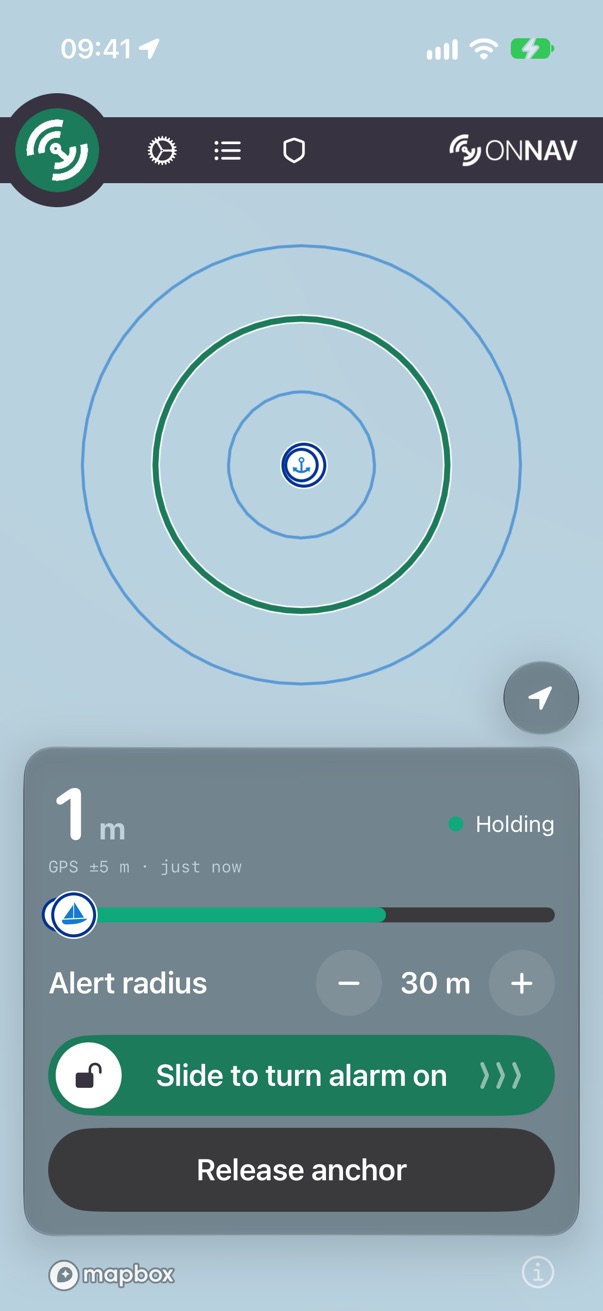
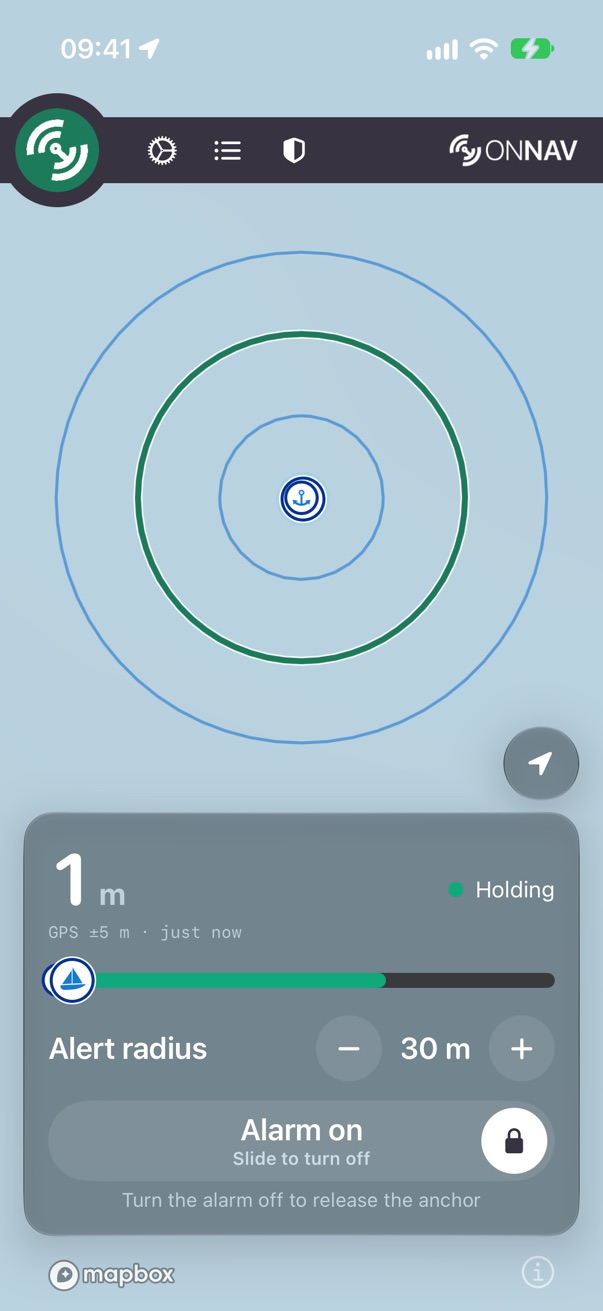
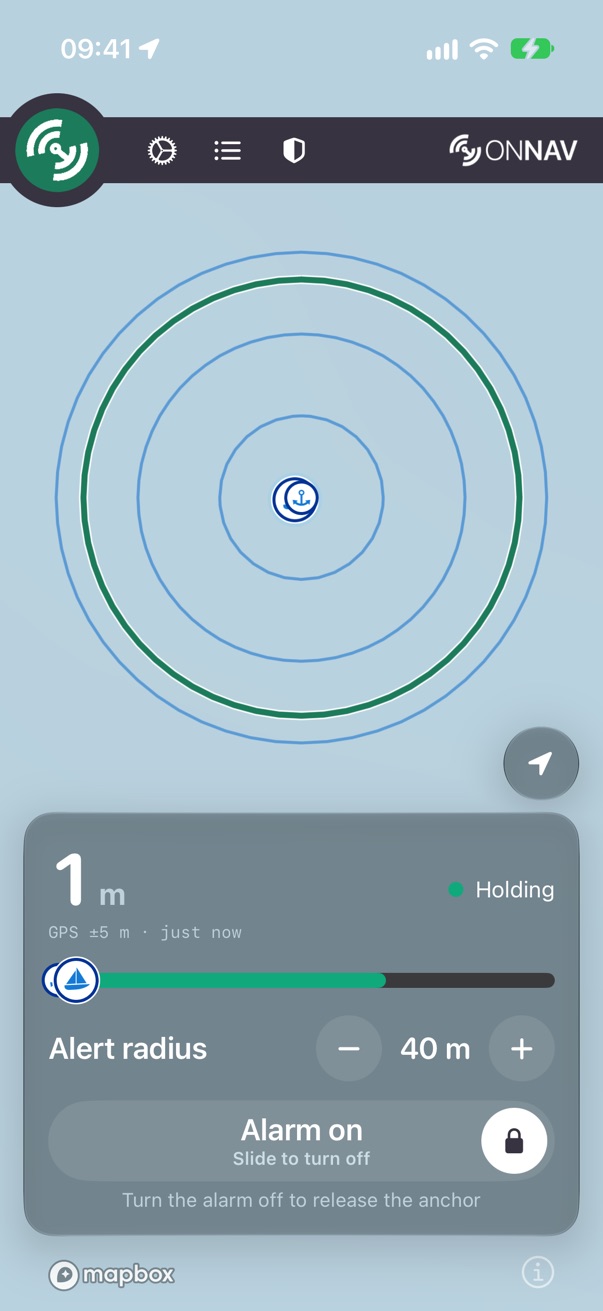
Mark anchor
Green when one tap will mark; amber when the tap will explain instead, with the reason under it (no subscription, no fresh GPS). An explaining tap opens the paywall or the Mark sheet, never a mark.
The slide
The alarm turns on and off with a slide, so a pocket can't do it. While it's on, Release anchor is hidden: turn the alarm off first.
The bar
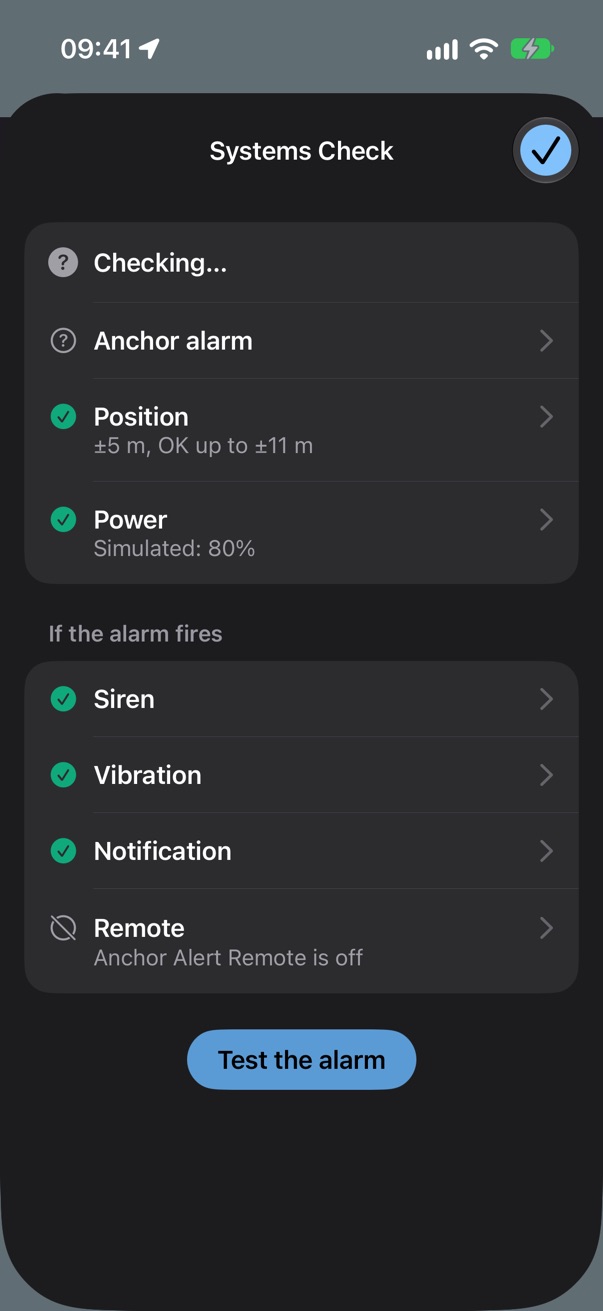
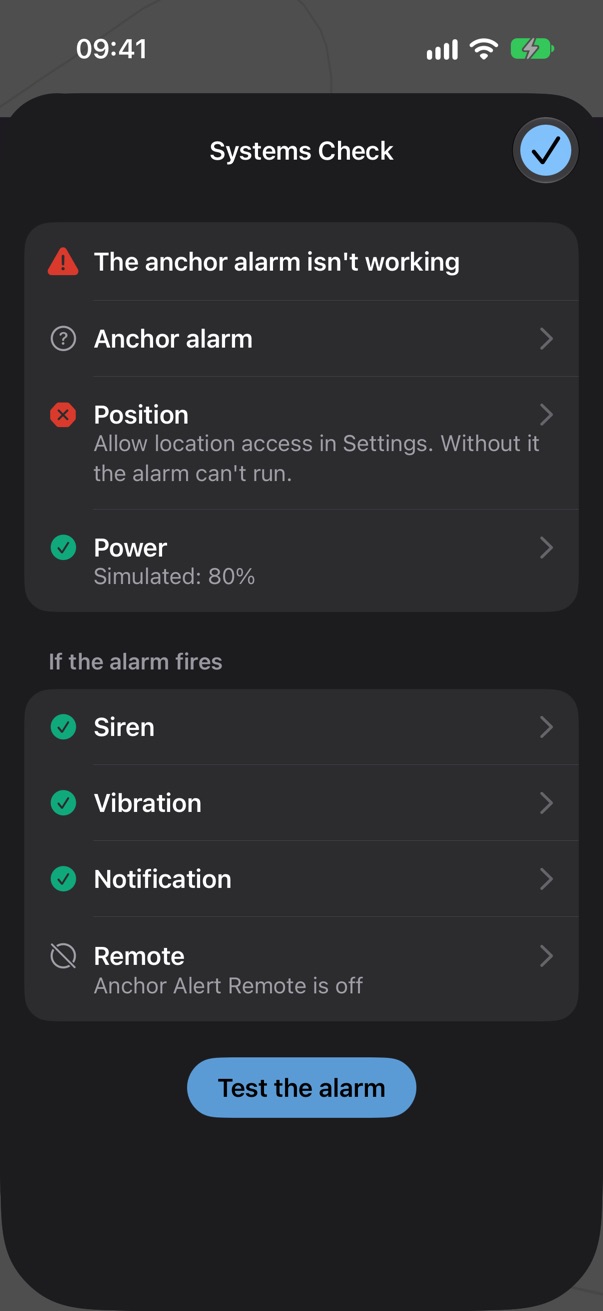
Settings, Log and the Systems Check shield, with the menu in the circle and About behind the onNAV wordmark. The shield is the Systems Check at a glance.
When it drags
Most recent fixes outside the circle for long enough, and it rings: the siren, the vibration, a critical notification, the bar red. Snooze holds the siren back for a few minutes and says how long; coming back inside ends it.
Systems Check
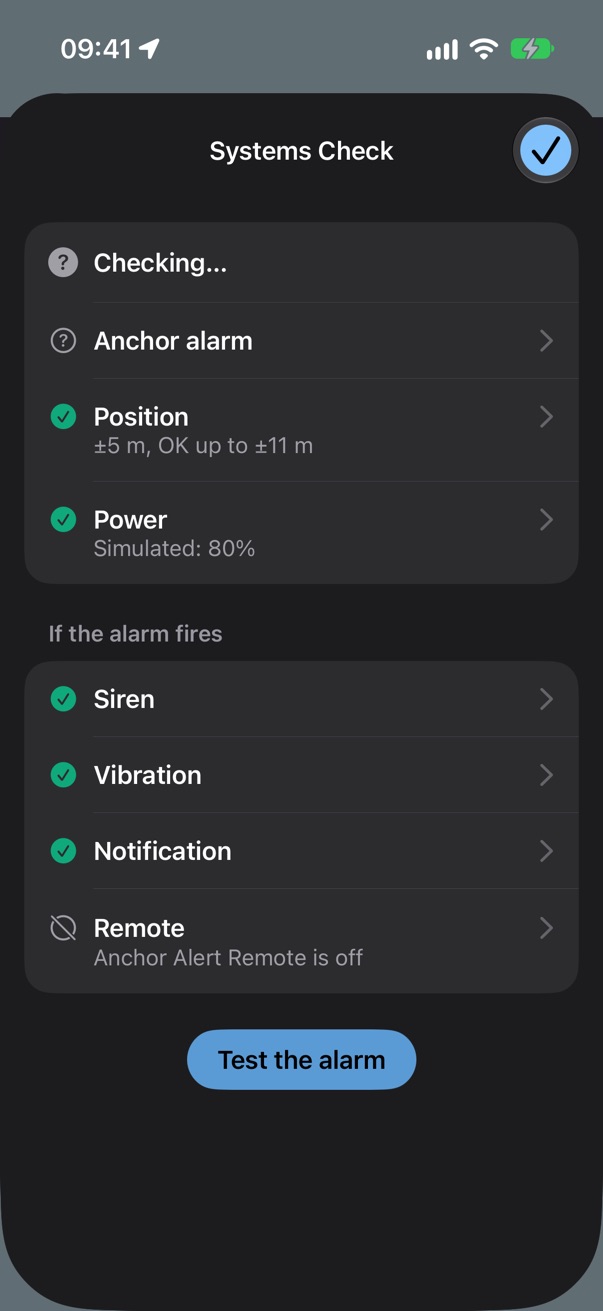
Will it notice a drag, and if it does, will you hear it? One question per row, answered Yes or No with the evidence or the fix. A failing check turns the shield red and posts a notification. Test the alarm plays the siren on purpose.
The log
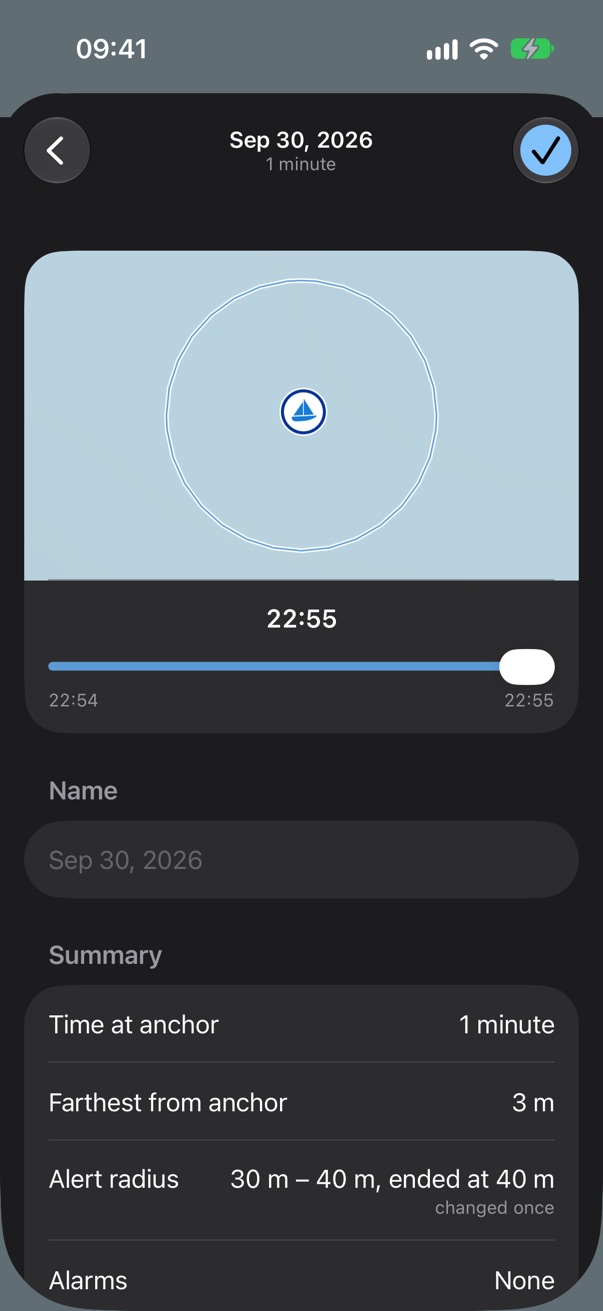
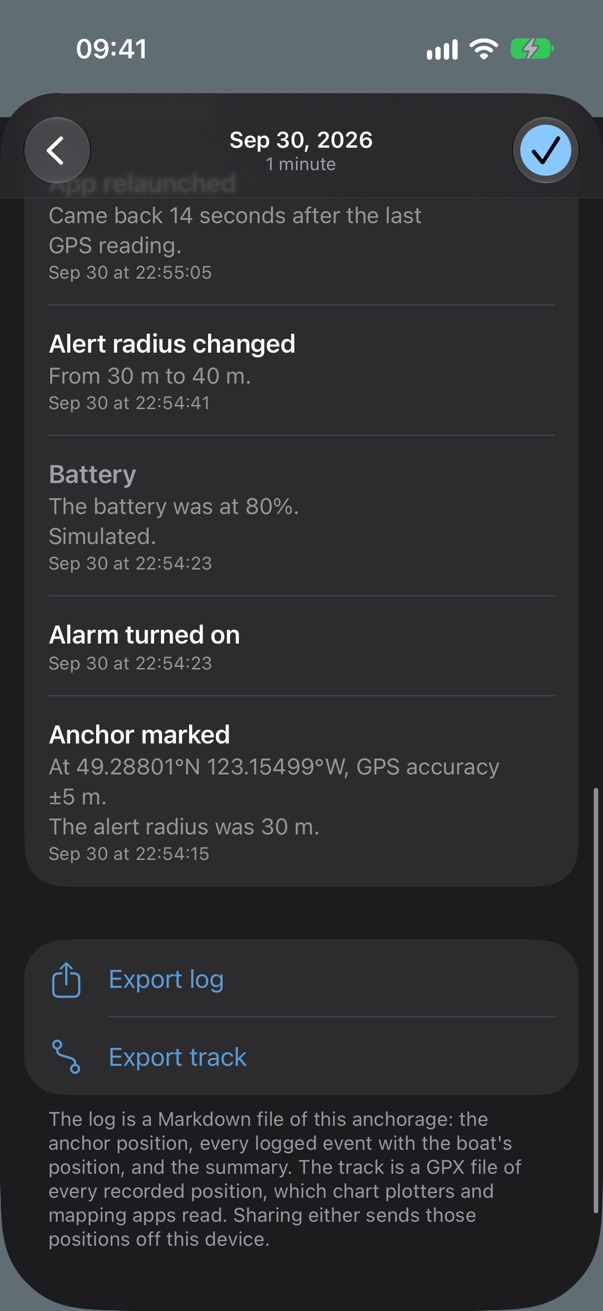
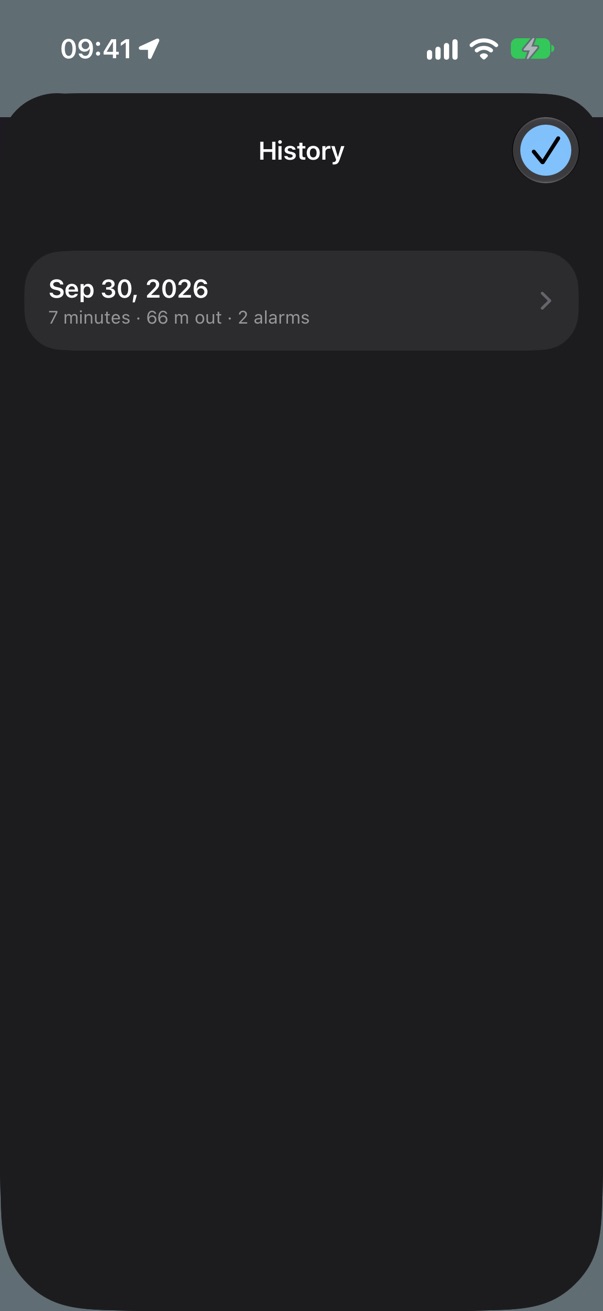
Every anchorage, written down: the track, the alarms, the radius changes and the app's own gaps, with a replay and exports as a Markdown log and a GPX track.
Lock Screen and Dynamic Island
A Live Activity while the alarm is on: the distance, the verdict and the bar, without unlocking. iOS asks once whether to allow it.
Settings, Remote and the menu
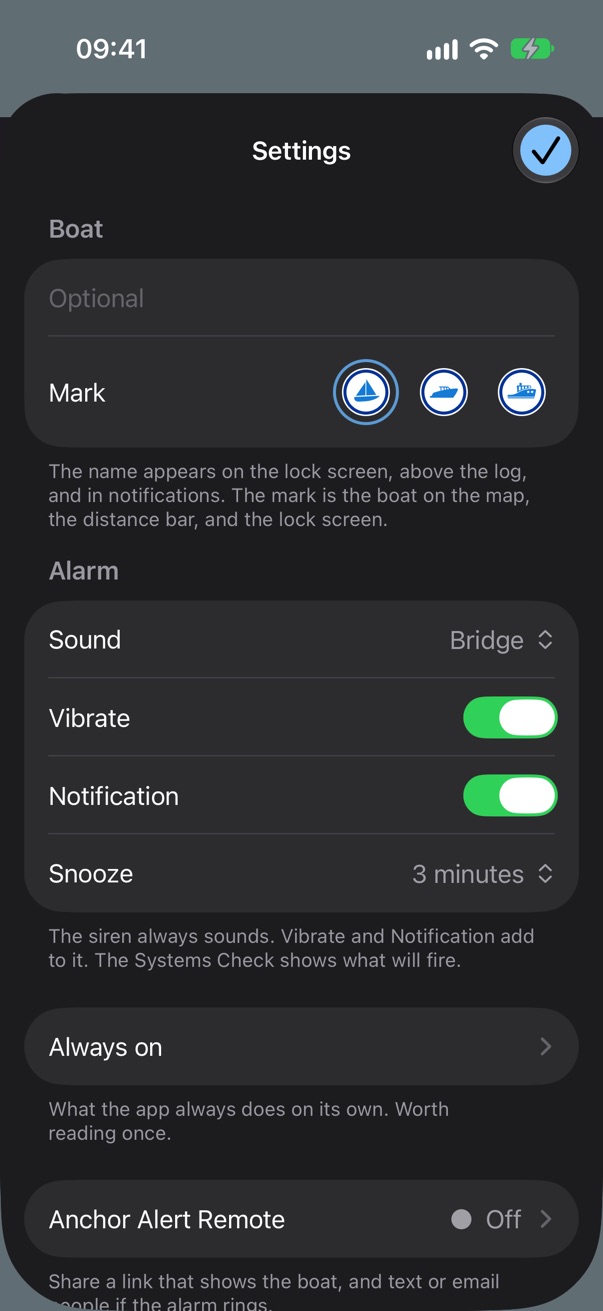
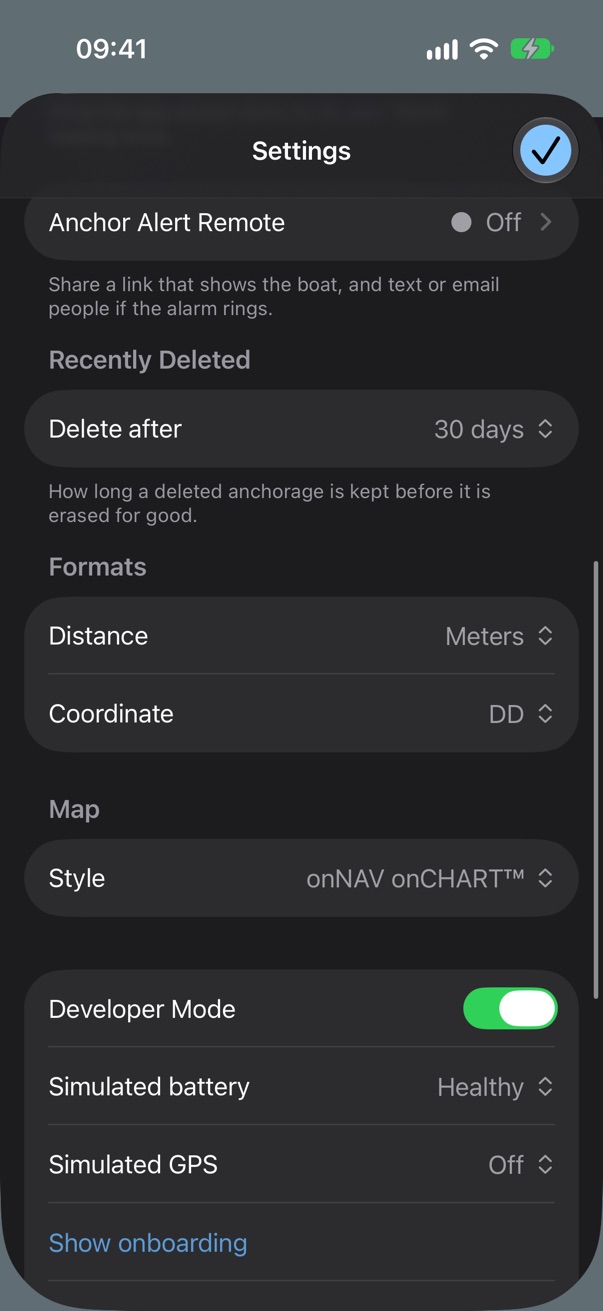
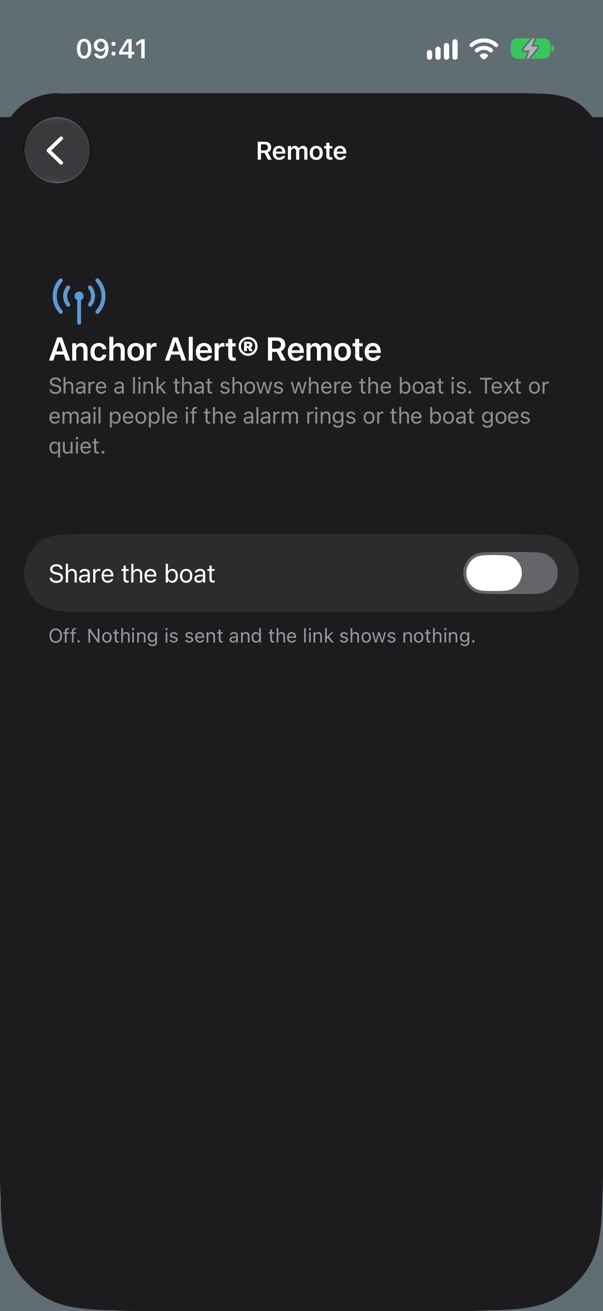
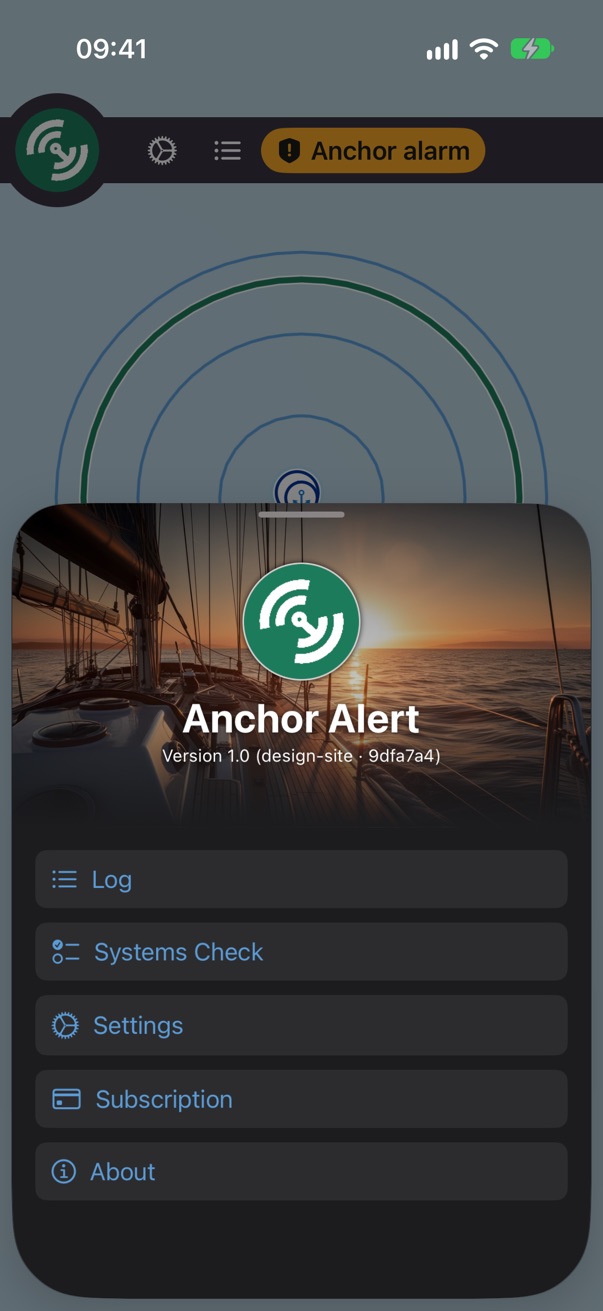
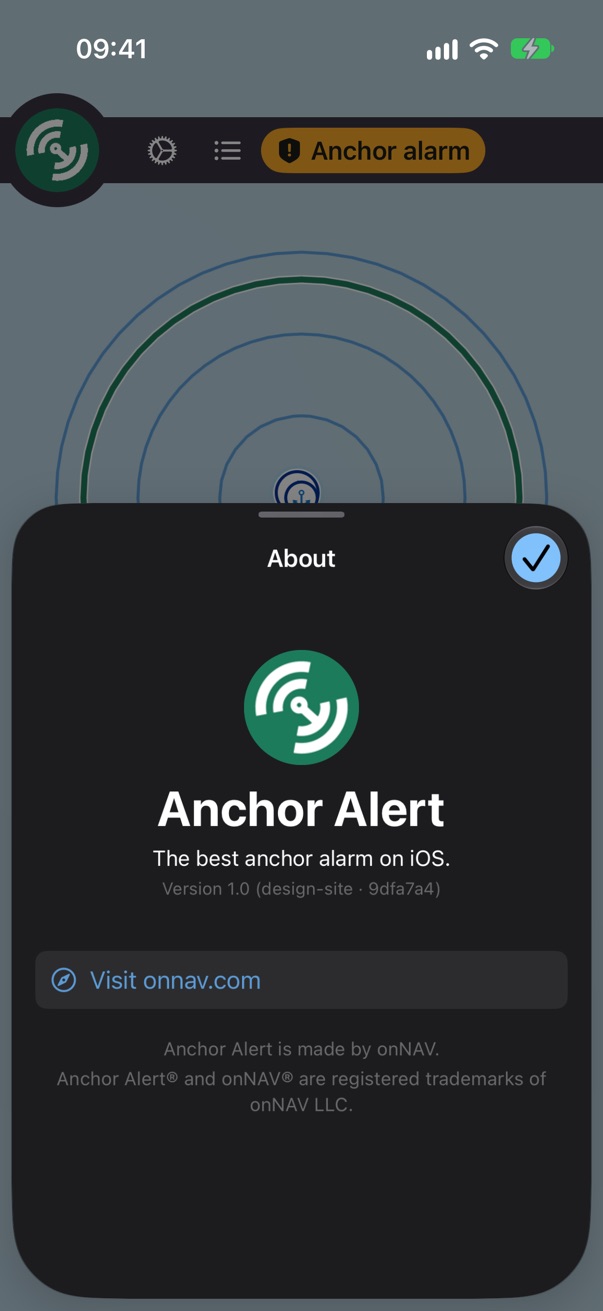
Remote is a paid, optional add-on: a web page and text or email alerts for someone ashore, published from the boat's own reports. The siren never waits on it.
Not here yet
A ringing Lock Screen (a simulator has no critical alerts), the Mark sheet's GPS briefing, Remote switched on, and the largest accessibility text size, which drew a blank screen when the script tried it on this build.
Anchor Alert • Send feedback • © 2026 onNAV LLC